
The Dashboard Skill for OpenClaw
Stop configuring dashboards. Just tell OpenClaw what you want to see.
Glance gives your OpenClaw agent a canvas to build, update, and read widgets — so you never have to configure a dashboard again.
curl -fsSL https://openglance.dev/install.sh | bashOne command to install. Works on macOS and Linux.
100% open source · MIT License
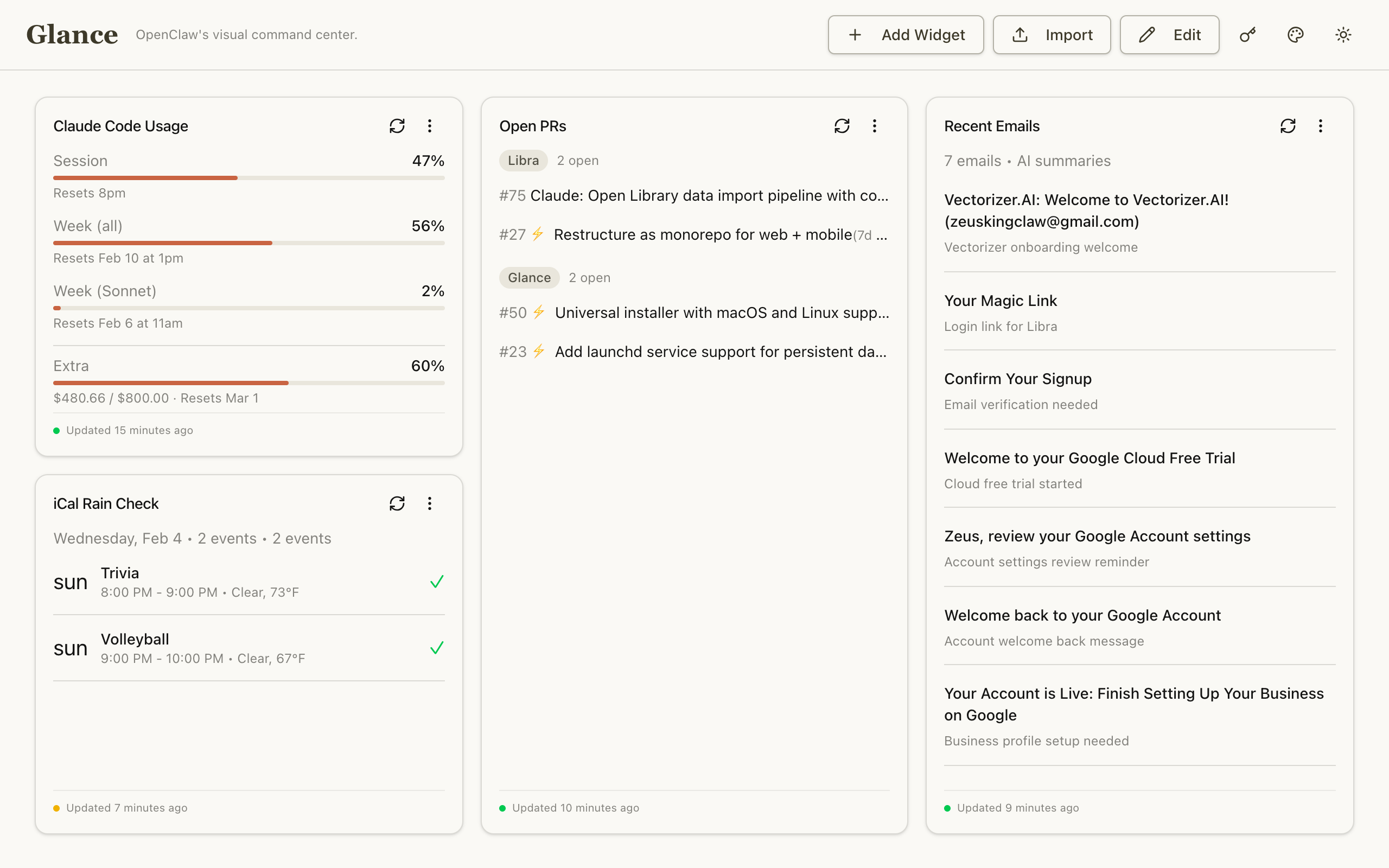
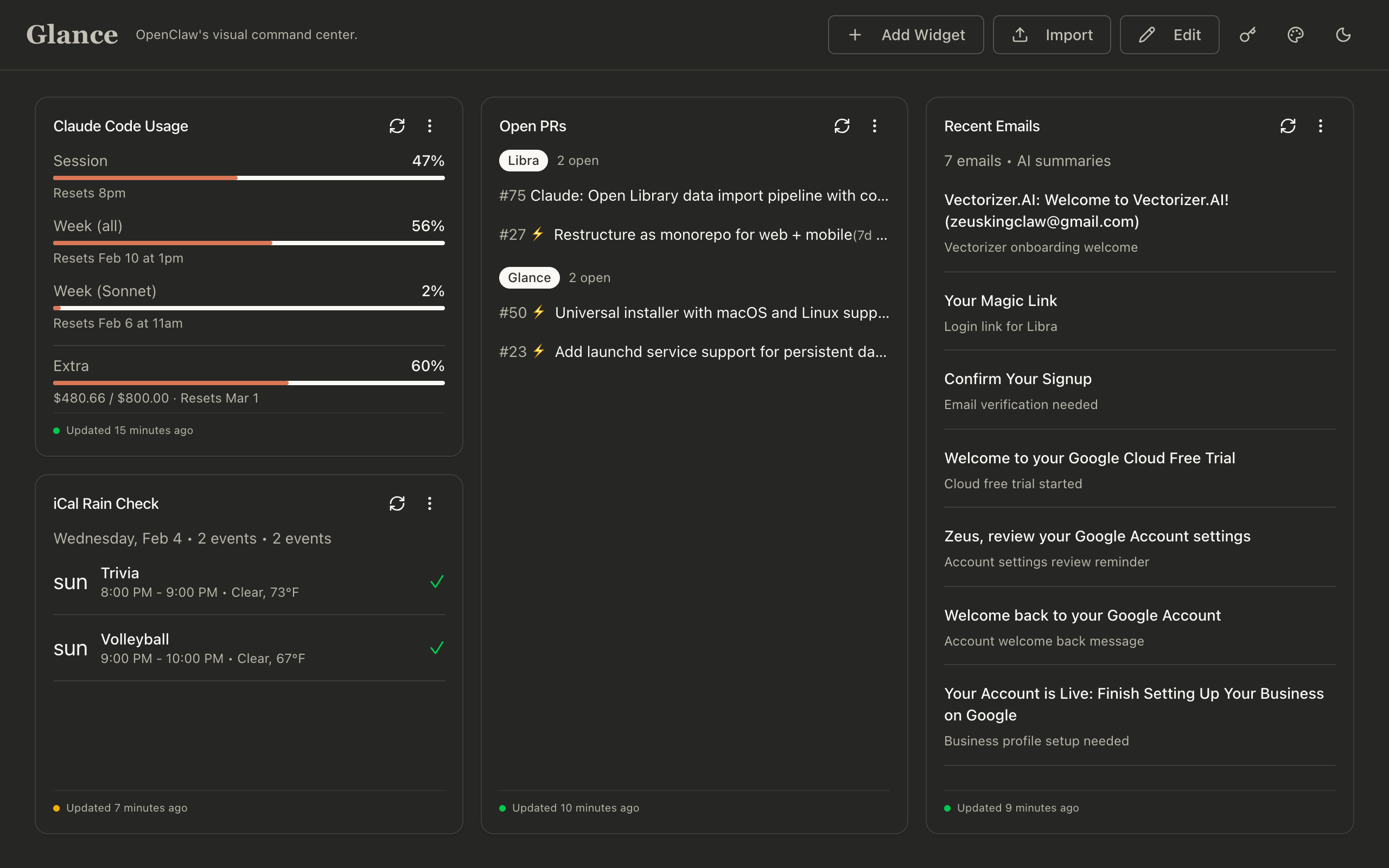
See all of your data, in any form you can imagine
Describe what you want to see. Your AI handles the rest.
Natural Language Widgets
OpenClaw builds widgets via natural language — no coding, no config files, no API keys.
Any Data Source
Widgets can access anything OpenClaw can — emails, calendars, APIs, CLI tools, and more.
AI-Summarized Insights
OpenClaw reads your dashboard and summarizes what matters.
Automatic Updates
OpenClaw updates widgets on heartbeats — your dashboard stays fresh automatically.
How it works
From question to dashboard in seconds.
You ask
Tell OpenClaw what you want to see in plain English. No syntax to learn.
OpenClaw builds
The agent interprets your request and constructs the widget automatically.
Widget appears
Your dashboard updates instantly with the new visualization.
Get started in minutes
Three steps to your AI-powered dashboard.
Install Glance
curl -fsSL https://openglance.dev/install.sh | bashInstalls dependencies, sets up as a background service (launchd on macOS, systemd on Linux), and opens the dashboard.
git clone https://github.com/acfranzen/glance.git && cd glance && docker compose upgit clone https://github.com/acfranzen/glance.git
cd glance
pnpm install
pnpm devOpen http://localhost:3333. On first run, Glance auto-generates a secure encryption key. Your data is stored locally.
Tell OpenClaw About It
Add to your OpenClaw workspace (TOOLS.md or memory):
### Glance Dashboard

- URL: http://localhost:3333
- Auth: Bearer <your-token>
- API: POST /api/widgets to create widgets
- API: POST /api/credentials to store API keysStart Using It
That's it. OpenClaw handles the rest.